Menu
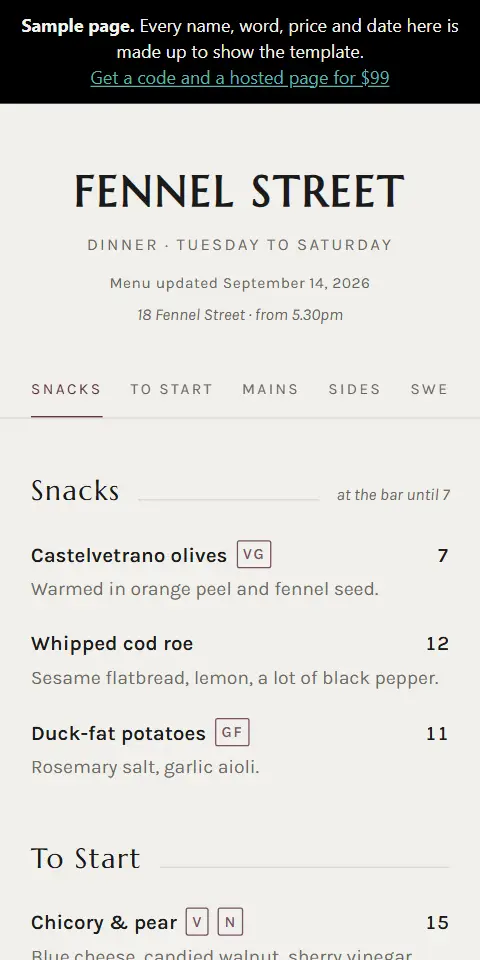
For a restaurant. Courses, prices, dietary marks, and a jump menu so nobody scrolls past the mains. How a menu QR code works.
helmqr.com/example-menu
A QR code with a landing page of its own, hosted by us. The code you print points to us, never straight at the page's address, so you can move the page and the printed code follows it.
The $19 business card is your name, number and email with a save button. The $99 one is a whole page: your photo, your logo, your story.
Start from a photo AI
Photograph your printed menu, invitation, program, house manual, listing flyer or business card, and our AI reads it into a draft of your page. You check every line before it goes live. Included with every menu, wedding, memorial, rental guidebook, listing and business card page. We never store the photo, and its location data is removed first. How it works
Your page can also open at an address on a domain you own, like menu.yourbusiness.com. $29 once, for one page.
Your printed code never points at your domain. It goes through helmqr.com/r/ and your code, and your page is still at its helmqr.com address too, so if your domain lapses or the record breaks, your signs aren't affected.
Change the address or take it off whenever you like, at no charge. Refundable within 30 days.
Six templates
A real page, filled with your own words and photographs.
Each is a filled-in sample of its template. Every word is replaced with yours before it goes live.
For a restaurant. Courses, prices, dietary marks, and a jump menu so nobody scrolls past the mains. How a menu QR code works.
helmqr.com/example-menu
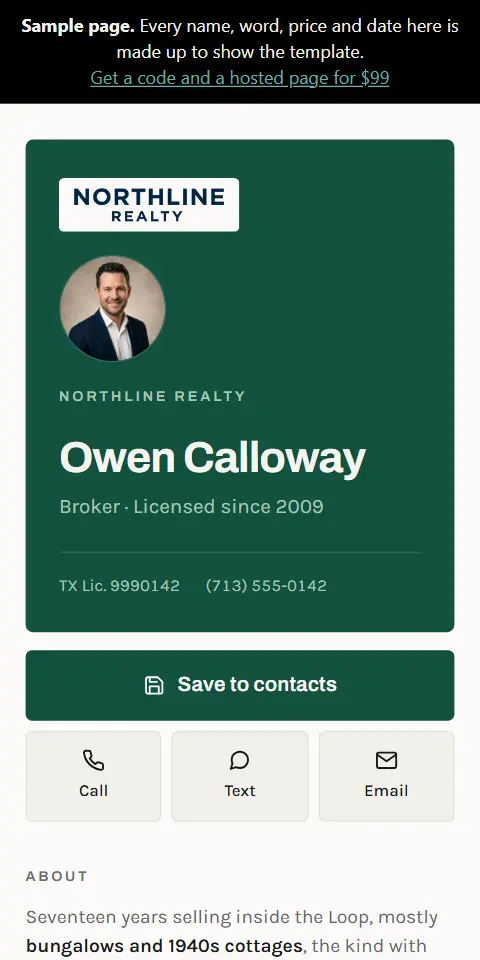
One job: getting your details into someone's phone. Save to contacts, call, text, email. QR codes on business cards and flyers.
helmqr.com/example-business-card
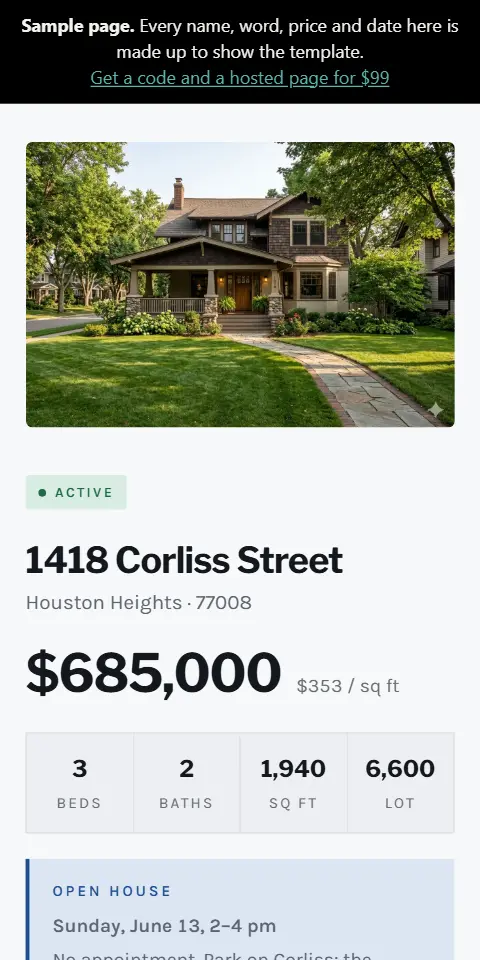
Price, specifications, open house, and the numbers that actually decide a sale. QR codes on real estate signs.
helmqr.com/example-listingGuides: Open house QR codes · Digital business card QR codes

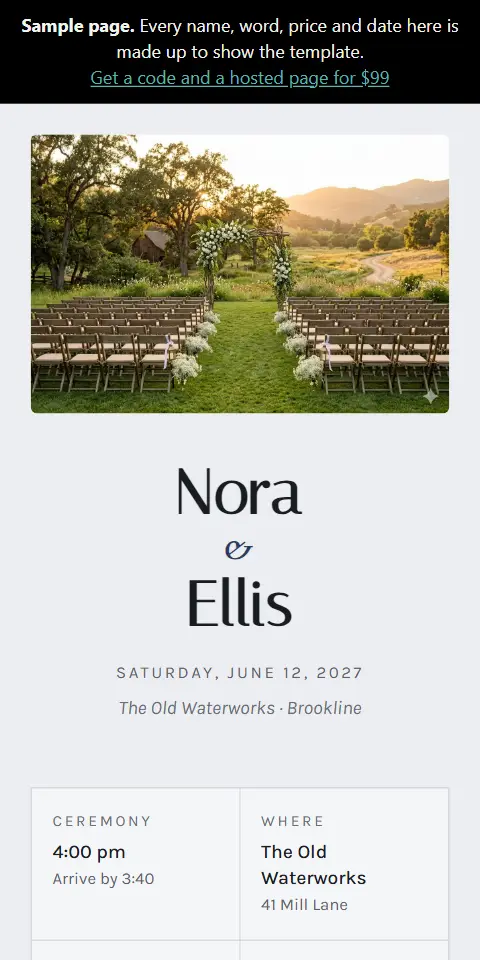
The four things guests text you about: when, where, what to wear, and when to RSVP by. One code for invitations and signs.
helmqr.com/example-wedding
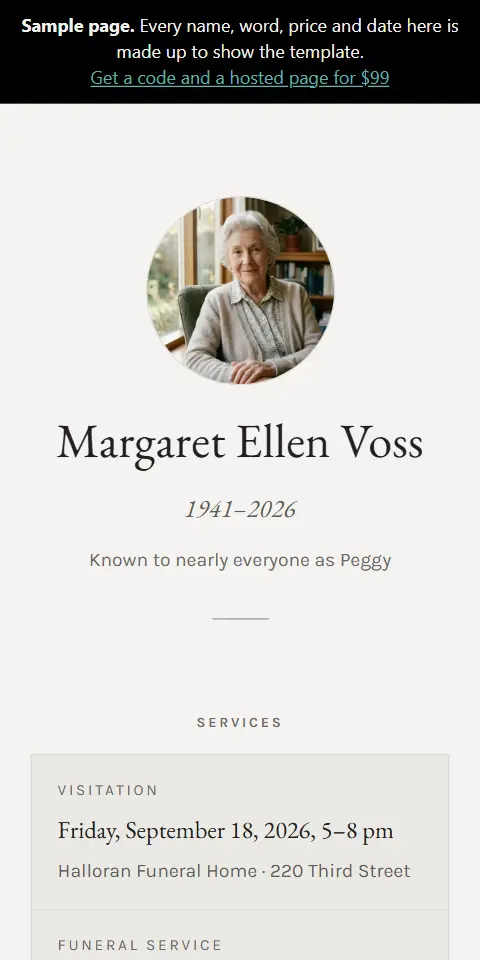
Service details first, then the obituary, then the practical notes: parking, what to wear, whether it is being livestreamed. A QR code for a funeral program or memorial card.
helmqr.com/example-memorial
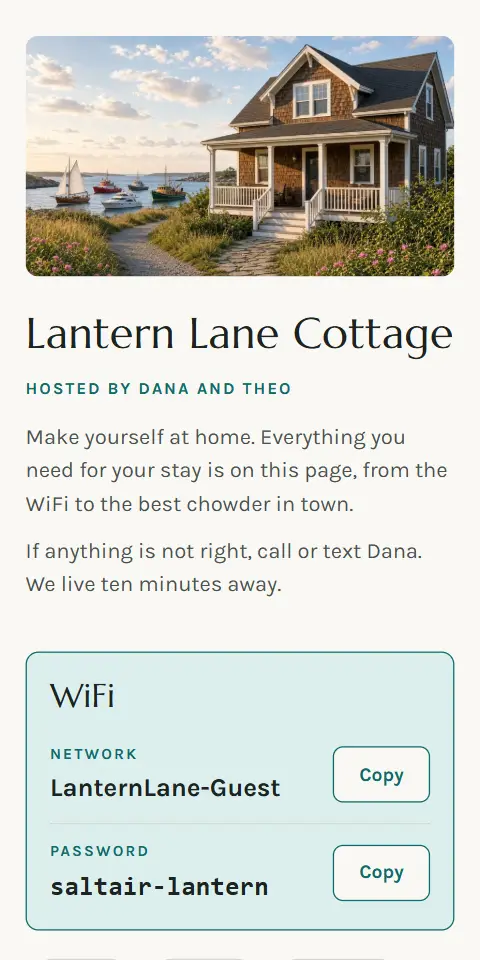
The WiFi with a Copy button, check-in and check-out, the house rules, how things work and your local tips, for the guests in your rental. A QR code guidebook for your vacation rental.
helmqr.com/example-guidebook
How it works. Pick a template, fill in the details and add photographs if you want them, choose your colors and how your QR code looks, and pick your page's address. You see the whole page before you pay, and it goes live when you do. It's public at its address as soon as you pay; add a visitor password first if you want. A page in a page pack or a kit is set up after you pay, from the link we email, and goes live when you press Publish. An address is 3 to 40 letters, numbers and hyphens; one that is taken, a handful of reserved words and anything starting "example-" are refused. Move your page later and the old address forwards to the new one for 30 days, held for you; after that it stops working and someone else can use it.
It goes quickest with your information already to hand: your menu, the service details, whatever your page needs.
Already have it in print? On the details step, choose "Start from a photo" and take a photo of your printed menu, invitation, program, house manual, listing flyer or business card. We read it into your page as a draft, and you check every line before it goes live. It's included with every menu, wedding, memorial, rental guidebook, listing and business card page, in page packs too. AI reads up to 5 printed pages.
When your page goes live, we email your QR code and a private link for editing the page.
Want only invited guests to see it? From your edit link you can lock the page with a password for its visitors. Anyone with the password can open the page. We can't read your password back. You can change or remove it from your edit link. That password is for them, not you: you still edit with your private link, with no password.
Your page can also be shown in up to 5 other languages, translated automatically from English, and it can carry a lead form so visitors can send you a message. You switch both on from your edit link.
Get one
One page · one payment · no recurring charge
How you get your page
A page pack or a kit: pay first, then set each page up from the link we email.
Get your page →Lowest price per page
Page packs
Need more than 10 codes or pages? Email enterprise@helmqr.com for a custom quote.
Within 30 days of purchase, email refunds@helmqr.com for a full refund of what you paid for the code, pack or page; printed signs have their own rule (see refunds). Refunding a code switches that printed code off. Refunding a pack switches off every code in it. Refunding a page takes the page down. Your own address ($29) is refunded with its page. Refunding a code also switches off the code on any sign we printed for it. If a code or page is refunded before its sign goes to print, we cancel the sign and refund it in full. If you refund the code or don't set it up within 30 days, we refund the sign in full. Refunding a code also switches it off on postcards already mailed. A code or page in a kit is refunded for its share of the kit price (see refunds).
We don't store your card. Stripe takes the payment and issues the refund, and nothing is charged again automatically.